Online Course Accessibility Mini-Bootcamp
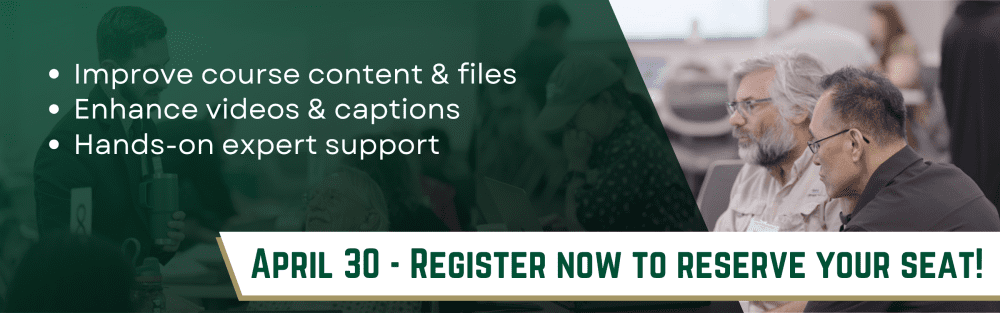
Join the Center for Teaching and Learning for a hands-on Online Course Accessibility Mini-Bootcamp focused on improving the structure, media, and instructional materials within your Canvas course.
This interactive workshop is designed for faculty who want to enhance the overall quality of their online courses by efficiently addressing accessibility requirements. Participants will work directly within their courses with guidance from instructional designers and media specialists to identify and resolve common course design and accessibility issues.
Prior to the workshop, CTL staff will run a course-accessibility scan using UDOIT to identify areas for improvement. This allows participants to arrive with a clear roadmap of potential improvements and spend the workshop time implementing changes with expert support.
What You’ll Work On
During the workshop, participants will focus on improving key elements of their course:
- Canvas content and structure – improving page design, navigation, and readability
- Course files and documents – making documents more usable and accessible for students
- Instructional media – improving videos and media elements, including captioning strategies
Faculty will work in small groups based on the types of improvements their courses require, enabling targeted support and collaboration.
Pre-Workshop Preparation
Before the workshop:
- CTL staff will run a UDOIT accessibility and course quality scan of participating Canvas courses
- Courses will be reviewed for media readiness and content complexity
In-Person Workshop
April 30 | Woodward 135
Participants may attend either a morning or an afternoon session.
Morning Session Times
8:30–9:00 — Introduction and course quality overview
9:00–9:45 — Improving Canvas content and course structure
9:45–10:00 — Break
10:00–11:00 — Improving course documents and files
11:00–12:00 — Improving course media and captioning
Afternoon Session Times
12:30–1:00 — Introduction and course quality overview
1:00–1:45 — Improving Canvas content and course structure
1:45–2:00 — Break
2:00–3:00 — Improving course documents and files
3:00–4:00 — Improving course media and captioning
After the Workshop
Participants will continue to receive support as they complete course improvements.
- Virtual Open Office Hours: Faculty may join drop-in Zoom sessions for additional assistance.
- Optional Certification: Faculty who complete accessibility improvements and receive a clean UDOIT scan for at least one of their courses by May 22 will earn an Accessible Instructor Certification Badge.
- Optional 1:1 consultations with CTL staff
- Access to a remediation assistance request system for complex updates
This workshop provides an opportunity to make meaningful improvements to your course while receiving hands-on support from instructional design, accessibility, and media experts.